Artificial intelligence continues to transform the digital landscape, especially within content creation. Today, businesses of all sizes rely on AI tools to support marketing, SEO and communication efforts. Whether you are a copywriter aiming to streamline your workflow or a business owner hoping to scale content production, an AI text generator can help you produce quality material efficiently and consistently.
At Saigon Digital, we aim to recommend solutions that empower teams to work smarter. To guide your decision, we have curated a list of the ten best AI text generators, covering both free and paid options. Each tool brings distinct strengths, so you can confidently choose the one that best aligns with your goals.

1. ChatGPT (OpenAI), Best all-round AI text generator
Price: Free plan available; paid tiers unlock more advanced and capable models.
ChatGPT is widely considered the most versatile AI text generator on the market. Thanks to its advanced natural language understanding, it can assist with everything from research and brainstorming to creating fully polished articles. Because it adapts well to different writing styles, you can rely on it for creative, technical, conversational or formal content.
Key strengths:
- Excellent for drafting long-form articles, product descriptions, emails, technical guides and creative pieces
- Strong reasoning ability, ideal for complex topics or step-by-step instructions
- Fast and responsive, even for large or multi-step requests
Use cases:
- Generating SEO-friendly blog posts
- Writing social media content calendars
- Creating email sequences, newsletters and onboarding materials
- Producing training documents or detailed tutorials
Example prompt:
“Write an SEO-friendly introduction for a blog post about eco-friendly home products. Keep the tone conversational and informative.”
ChatGPT will generate a clear, structured introduction that you can refine further.
2. Claude (Anthropic), Best for long-form, human-like writing
Price: Free and paid plans available.
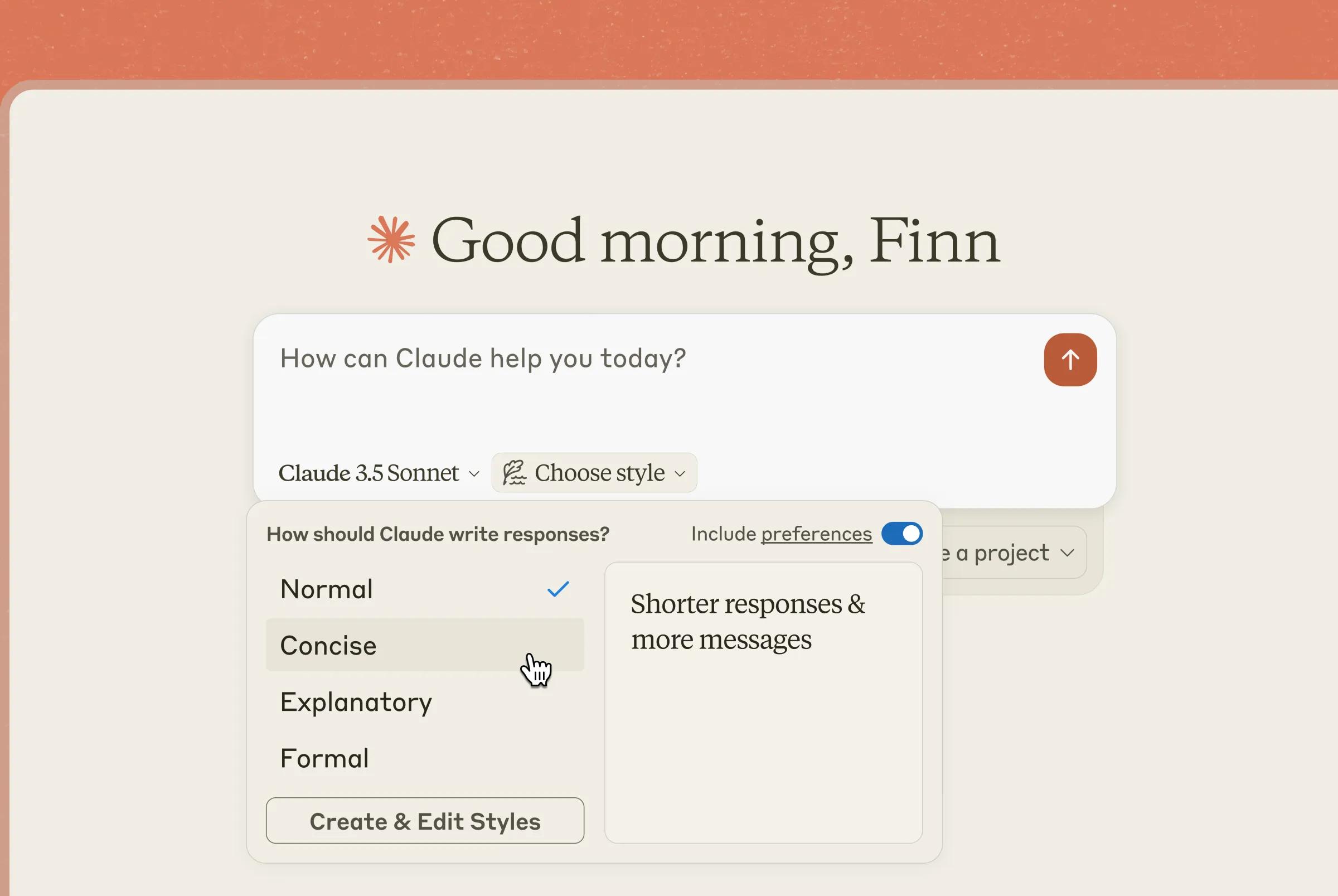
Claude stands out because of its natural, thoughtful writing style. It tends to produce content that reads more like a human wrote it, making it a strong option for long reports, analytical pieces, sensitive subject matter or any context where nuance is important.
Key strengths:
- Superior at producing balanced, structured, human-like writing
- Excellent for editing and rewriting large documents
- Handles longer inputs and outputs than many competitors
Use cases:
- Academic-style articles
- Whitepapers and industry reports
- Policy or compliance documents
- Brand voice refinement and style adjustments
Example workflow:
Upload a draft or paste text into Claude → request: “Rewrite this for clarity, keep the tone professional but warm, and highlight the key points more clearly.”
Claude will not only improve your writing but also preserve your meaning.
3. Gemini (Google), Best for Google Workspace users
Price: Free and premium tiers.
Gemini integrates deeply with Google’s ecosystem, making it exceptionally convenient for teams already using Google Docs, Gmail, Sheets or Slides. Because of its embedded nature, you can use Gemini without switching tools, helping you maintain a smooth workflow.
Key strengths:
- Works directly inside Google Docs and Gmail
- Good at summarising, rewriting and streamlining content
- Particularly strong for organisational or structured writing
Use cases:
- Drafting internal documents such as proposals or reports
- Summarising meeting notes inside Google Docs
- Crafting professional emails in Gmail
- Supporting research within Google Search
Practical example:
Highlight a messy paragraph in Google Docs → select “Help me write” → choose “Improve clarity” → Gemini rewrites it concisely.
4. Jasper AI, Best for marketing teams
Price: Paid plans only.
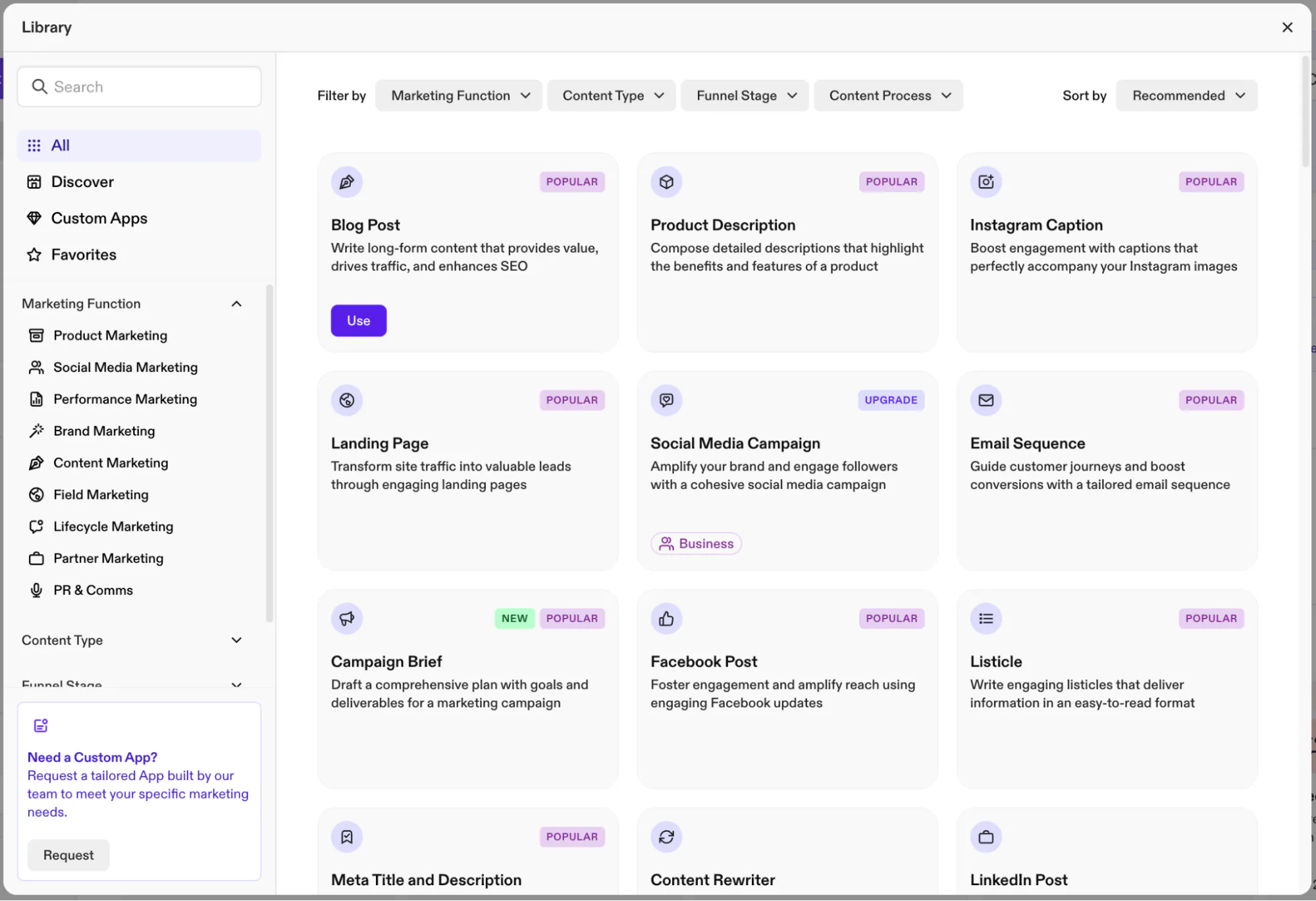
Jasper AI is designed specifically for marketing teams who need to publish brand-aligned content at scale. Unlike general-purpose tools, Jasper offers features that help businesses maintain a consistent tone across multiple platforms.
Key strengths:
- Built-in brand voice training
- Dozens of templates for ads, product descriptions, landing pages and emails
- Excellent collaboration and user management tools
Use cases:
- Creating consistent content for multi-channel campaigns
- Generating variations of ad copy for A/B testing
- Producing sales enablement content
- Ensuring your team writes in a unified brand voice
Example prompt:
“Write three variations of a friendly, high-conversion Facebook ad for a summer skincare bundle. Include a clear call-to-action.”
Jasper will provide multiple ready-to-test options.
5. Writesonic, Best for SEO-friendly content
Price: Free and paid plans.
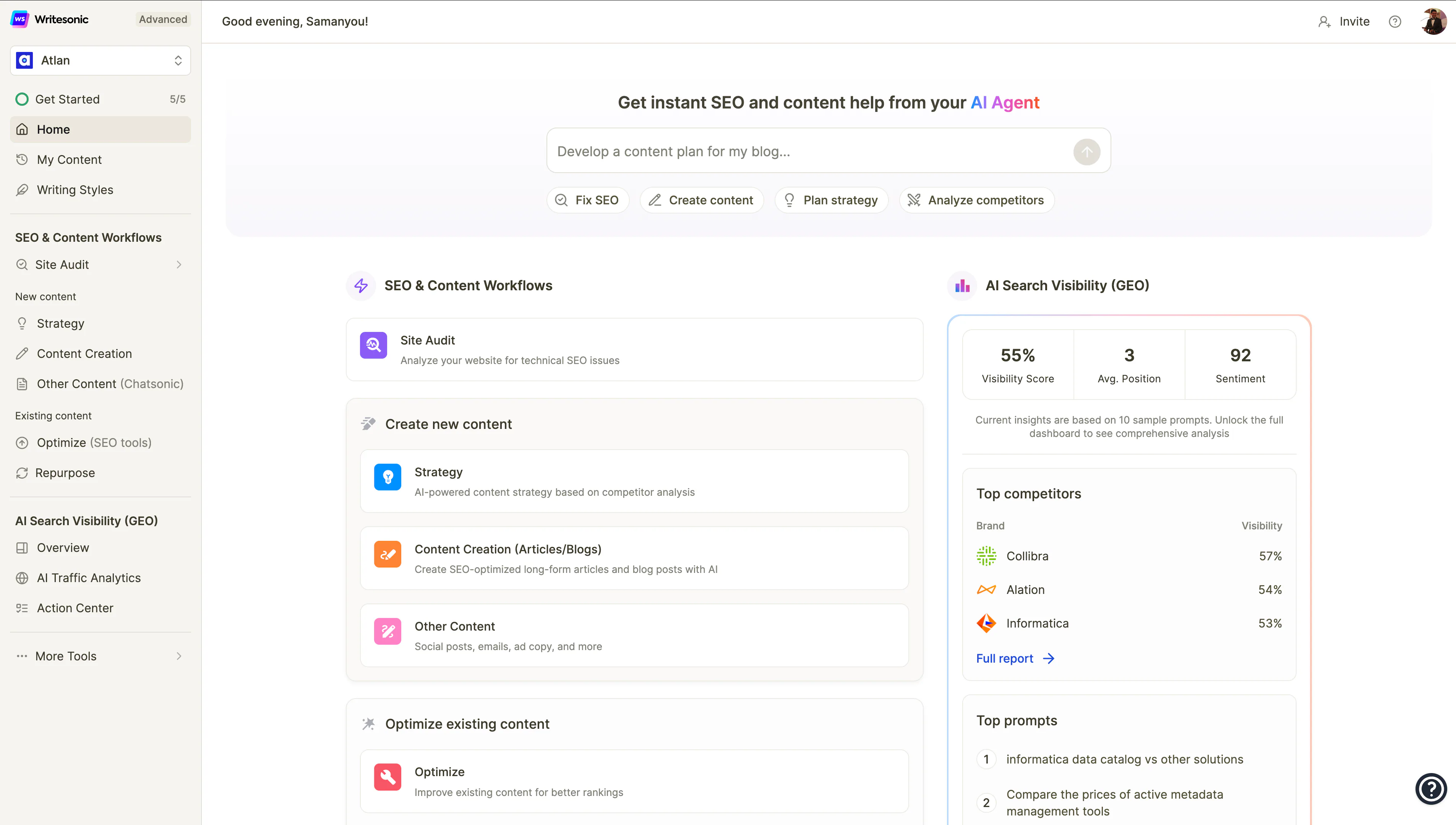
Writesonic is ideal for teams prioritising SEO performance. Its built-in SEO tools, keyword suggestions and integration with SurferSEO make it particularly beneficial for article creation.
Key strengths:
- Strong SEO-focused templates
- One-click WordPress publishing
- Keyword-driven content suggestions
Use cases:
- Producing keyword-rich blog posts
- Generating outlines, meta descriptions and title tags
- Rewriting old content to improve search ranking
- Exporting content directly to WordPress
Example workflow:
Enter your primary keyword → Writesonic offers multiple title and outline ideas → refine → generate a full draft → export to WordPress.
6. Copy.ai, Best for social media and sales content
Price: Free and paid options.
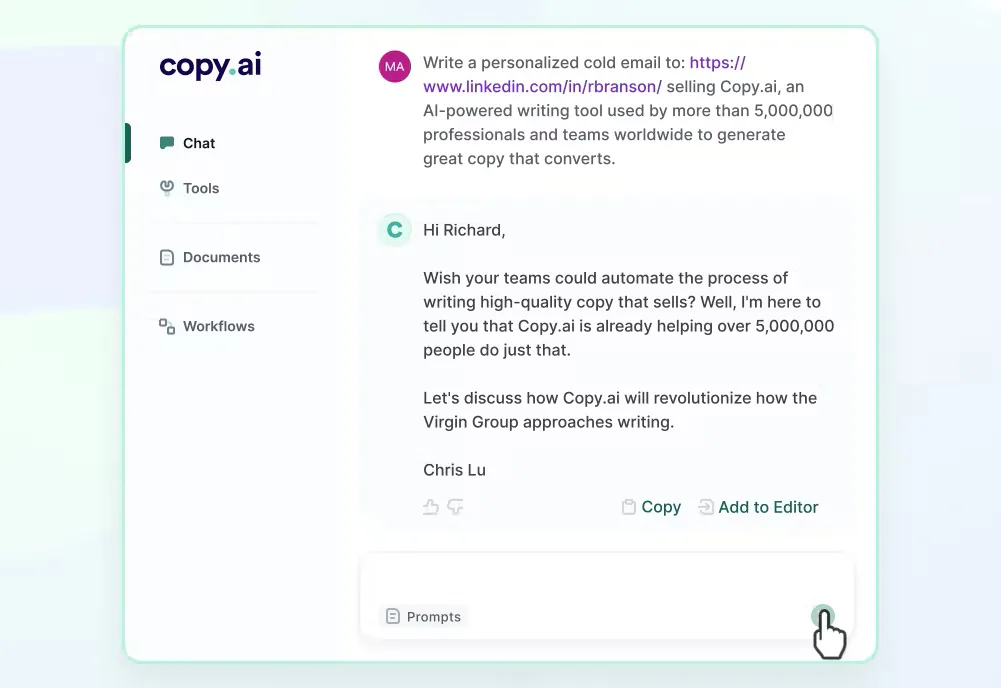
Copy.ai specialises in short, punchy content suitable for marketing and sales teams. It’s especially useful for businesses that frequently publish social posts, ads or email campaigns.
Key strengths:
- Strong templates for social media, sales emails and landing pages
- User-friendly and beginner-friendly
- Great for generating fresh ideas when you're stuck
Use cases:
- Writing LinkedIn posts, Instagram captions or TikTok scripts
- Creating email nurture sequences
- Producing slogans, branding statements and taglines
- Supporting creative brainstorming sessions
Example prompt:
“Write five energetic Instagram captions for a grand opening sale at a fitness store.”
Copy.ai returns short, catchy options ready for posting.
7. Rytr, Best budget-friendly AI text generator
Price: Free plan; very low-cost paid upgrade.
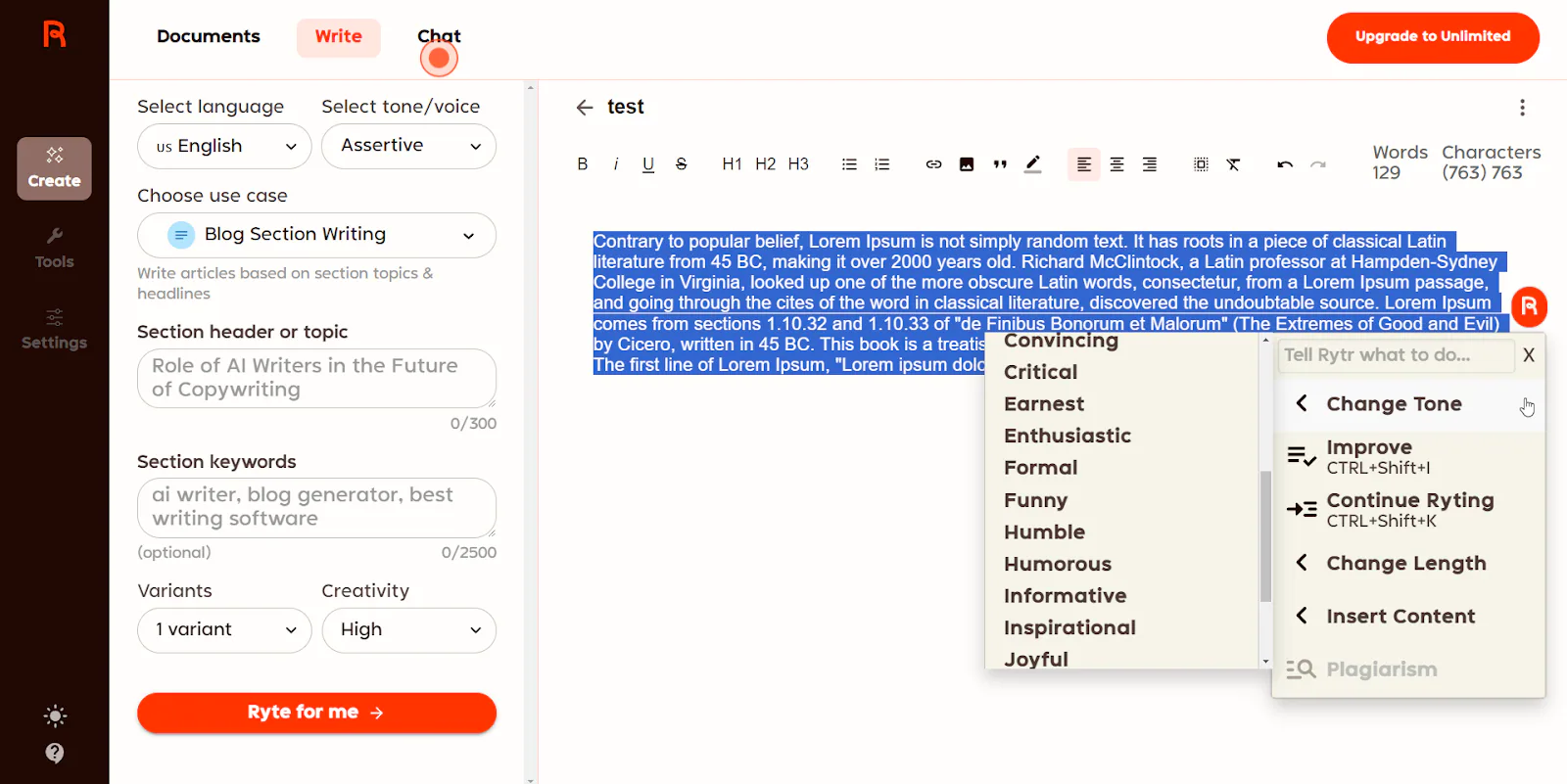
Rytr is a great option for solo entrepreneurs, freelancers or small businesses who need an affordable writing assistant. Although simpler than higher-end tools, Rytr provides reliable results for everyday writing tasks.
Key strengths:
- Extremely affordable
- Quick to learn
- Over 40 writing templates
Use cases:
- Writing short blog posts or product descriptions
- Creating email drafts and simple ads
- Generating ideas for content topics
- Rewriting or expanding existing text
Example workflow:
Choose a template → select tone (e.g., “friendly”) → type your topic → Rytr generates a compact but useful draft.
8. Anyword, Best for conversion-focused copy
Price: Paid plans.
Anyword is uniquely designed for performance-driven marketing. With predictive analytics and performance scores, it helps marketers choose the most persuasive version of their text.
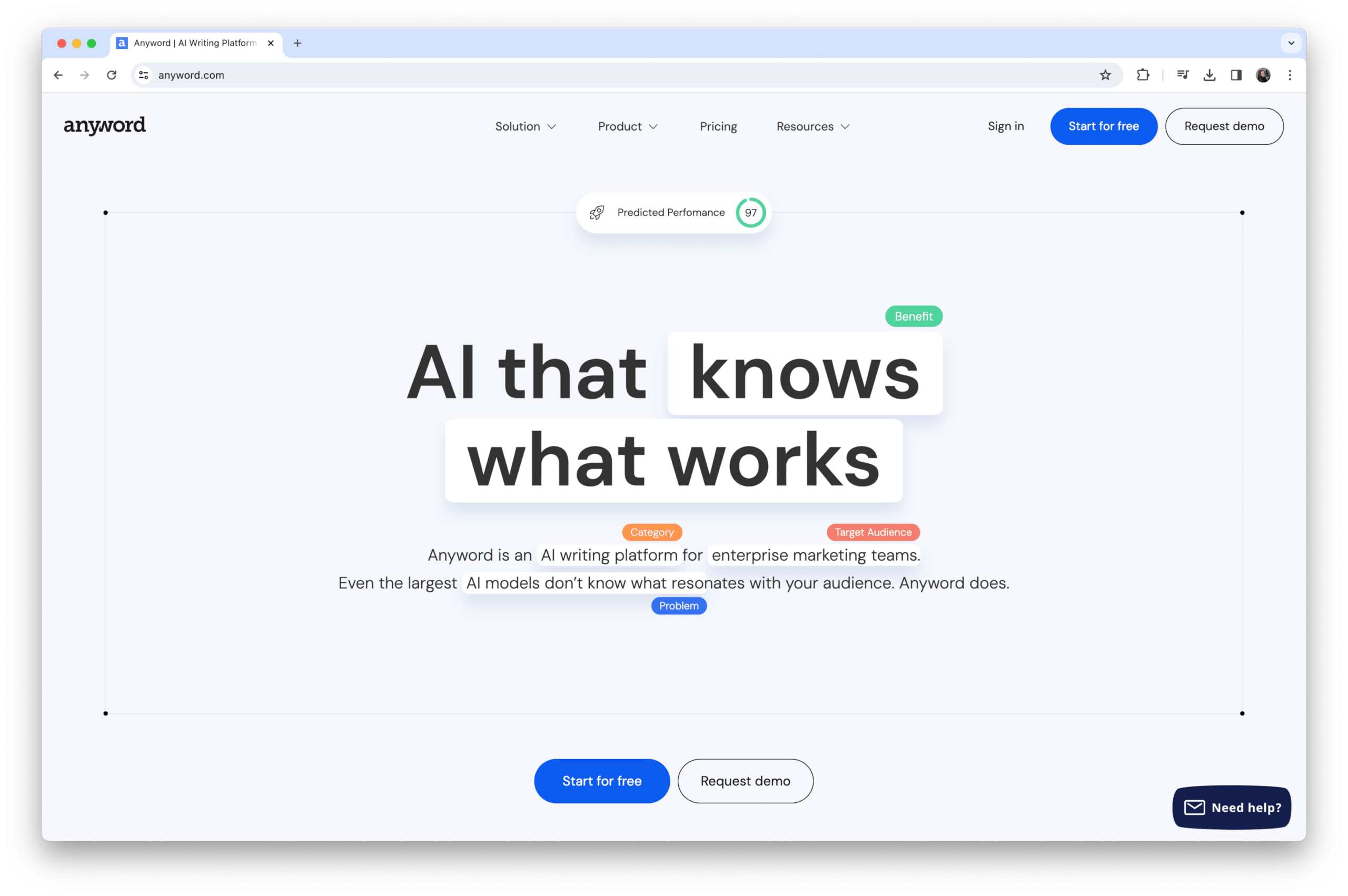
Key strengths:
- AI-driven performance predictions
- Multiple copy variations at once
- Strong personalisation and brand voice settings
Use cases:
- Crafting high-performing ad copy
- Improving landing page messaging
- Optimising email subject lines
- Conducting A/B testing with data-backed insights
Example prompt:
“Generate three versions of a high-conversion headline for a free webinar on digital marketing. Include performance scores.”
Anyword ranks each version so you can choose the strongest option.
9. Sudowrite, Best for creative writing
Price: Paid plans.
Sudowrite is designed for authors and creative professionals. Unlike tools focused on business writing, Sudowrite helps develop plots, characters and descriptive scenes.
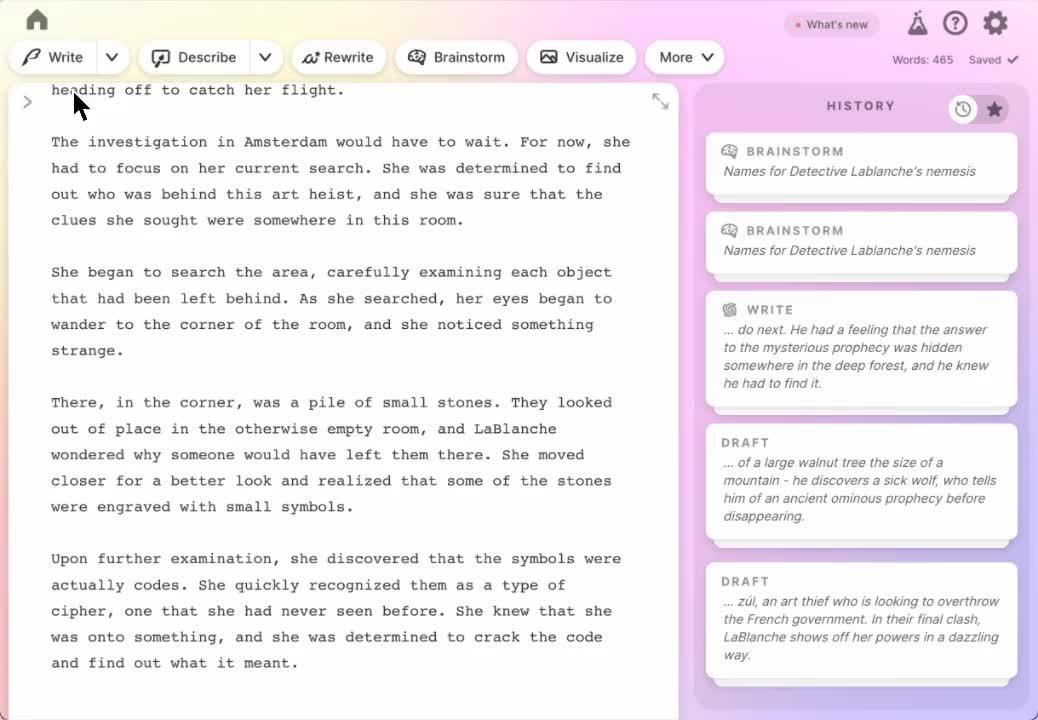
Key strengths:
- Excellent at generating creative content
- Helpful brainstorming tools for story development
- Supports writers experiencing creative blocks
Use cases:
- Writing fiction: novels, short stories or scripts
- Developing characters, world-building and plot outlines
- Generating vivid descriptions or dialogue
- Refining story arcs
Example workflow:
Paste a paragraph from your story → ask:
“Expand this scene, add more sensory detail and keep a mysterious tone.”
Sudowrite transforms it into a richer, more immersive passage.
10. Notion AI, Best for productivity and note-taking
Price: Add-on to Notion Workspace.
Notion AI focuses on enhancing productivity for teams that rely heavily on Notion for documentation or collaboration. Instead of switching tools, you can write, organise and edit content all in one place.
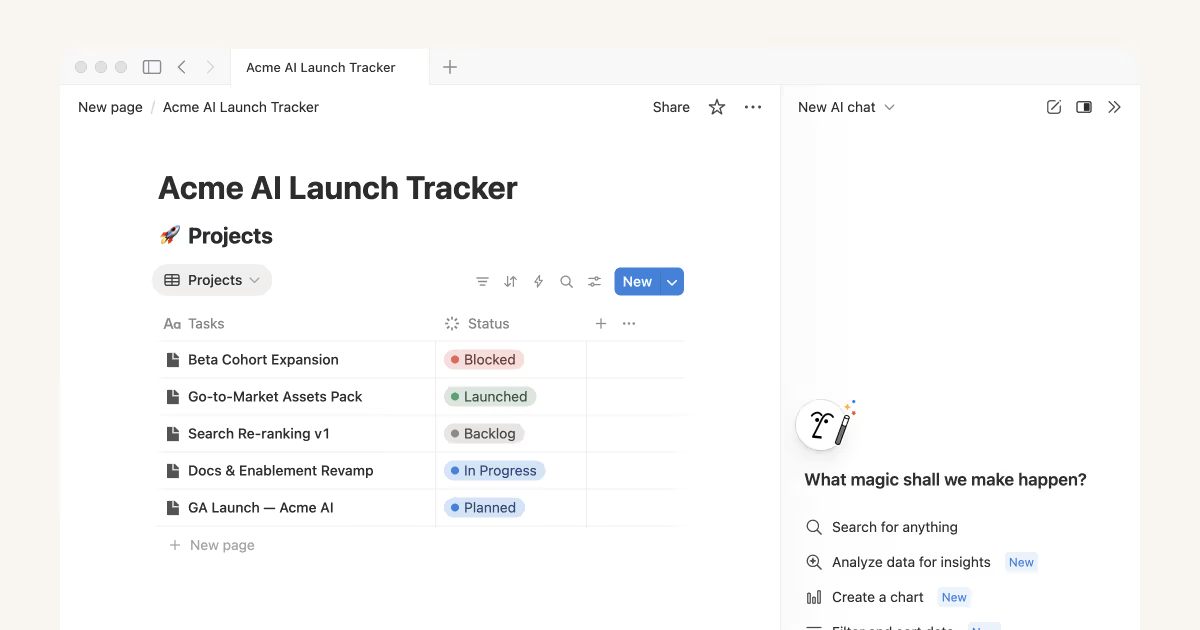
Key strengths:
- Built directly into your knowledge base
- Excellent for summaries, task creation and content clean-up
- Helps turn rough notes into polished documents
Use cases:
- Summarising meeting notes
- Creating project briefs or internal guides
- Drafting content inside your workspace
- Rewriting text to improve clarity or tone
Example workflow:
Highlight messy notes → choose “Summarise” → Notion produces a concise, well-structured overview.
How to Choose the Right AI Text Generator
Choosing the right AI text generator can significantly influence the quality and efficiency of your content production. While the market offers many strong tools, the best choice depends on your goals, workflow, and expectations.
To help guide your decision-making, we’ve expanded each consideration into practical, easy-to-follow sections.
1. Clarify What You Want to Create
Before deciding on any tool, it is essential to determine the type of content you intend to produce. Different AI text generators excel in different areas, so understanding your needs helps you narrow down the options quickly and effectively.
For instance, if you frequently produce long-form blog posts, you will benefit from tools that offer strong reasoning, structured writing and detailed content generation capabilities. In contrast, if your work revolves around social media or short-form copy, you may need a tool that prioritises creativity and punchy messaging.

Examples of content types
- Long-form articles or guides → ChatGPT, Claude
- SEO-optimised content → Writesonic
- Marketing campaigns and ads → Jasper AI, Anyword
- Social media posts or sales messages → Copy.ai
- Creative writing or storytelling → Sudowrite
- Internal notes, summaries and productivity tasks → Notion AI
Tip
Write down the top three content formats you produce most often. Then match them with the AI tools that specialise in those areas. This simple step prevents you from choosing a tool with impressive features you may never actually use.
2. Set Your Budget
Once you know what you want to create, the next step is to determine how much you are willing to invest. AI text generators come in a wide range of price points, from completely free tools to enterprise-level subscriptions.
Free versions are excellent for personal use or testing capabilities; however, paid plans generally offer more consistent performance, stronger features and faster processing, which is crucial for businesses.
Things to consider
- Frequency of use: Will you generate content weekly or daily?
- Volume: Do you need multiple drafts, variations or high-output workflows?
- Team access: Do multiple team members need seats or collaboration features?
Budget examples
- Tight budget / beginner: Rytr, free plans of ChatGPT or Gemini
- Mid-range budget: Writesonic, Copy.ai
- Premium budget: Jasper, Anyword, Claude Pro
Tip
Start with a free plan where available. If you notice yourself hitting usage limits or requiring more advanced features, it’s a strong sign that upgrading will be worthwhile.
3. Check Tool Integrations with Your Current Workflow
It is equally important to consider how well an AI tool will fit into your existing workflow. Smooth integration ensures that AI enhances your productivity rather than interrupting your processes.
For example, tools such as Gemini or Notion AI work directly within your workspace applications, meaning you do not have to switch platforms to generate or refine content. This saves time and reduces friction, especially for larger teams.

Examples of useful integrations
- Google Workspace → Gemini
- Notion → Notion AI
- WordPress → Writesonic
- Team collaboration platforms → Jasper AI
- APIs for custom automation → ChatGPT, Claude
Tip
Evaluate the tools you already use daily. If your team lives in Google Docs, choosing a Google-integrated AI tool will feel seamless. On the other hand, if you manage content in WordPress, a tool with one-click export or publishing capabilities can significantly streamline your workflow.
4. Consider Brand Consistency and Voice Control
Finally, maintaining a consistent brand voice is essential for companies producing content at scale. While many AI tools can write in different tones, a smaller number offer proper brand voice training or persistent tone settings. If your business requires content that aligns with established messaging, choosing a tool with strong voice control is vital.
Tools that excel at brand consistency
- Jasper AI: Offers detailed brand voice training where you upload examples of your content
- Anyword: Includes personalisation and tone models tailored to your brand
- ChatGPT (paid tiers): Can store system instructions and maintain tone across multiple interactions
Why brand consistency matters
- Builds trust with your audience
- Reinforces identity across channels
- Improves recognition in competitive markets
- Ensures multiple team members produce aligned content
Example use case
You could upload your brand’s email newsletters into Jasper and train the system to “Learn this voice.”
After this, all outputs, from website copy to Instagram captions, will align closely with your established tone. This becomes especially helpful when different team members handle content creation.
Empower Your Team with the Right AI Tools
An AI text generator can significantly enhance your content production process. Whether you want to streamline SEO work, simplify internal communication or scale marketing output, today’s tools offer powerful support.
At Saigon Digital, we believe that AI should enhance creativity rather than replace it. When implemented wisely, these tools help you produce more purposeful, user-centric and impactful digital content.
If you would like help integrating AI into your content or SEO workflow, our team is ready to support you with forward-thinking solutions tailored to your goals.
Get in touch with us today!
Want to be the brand AI engines recommend?
We make businesses visible on Google and inside AI answers, measured in leads, not vanity metrics.