
At Saigon Digital, we approach every digital challenge with a forward-thinking mindset. Content remains at the heart of every successful SEO strategy, and in an increasingly competitive landscape, AI tools can help teams produce content that is not only fast but also consistent and effective. However, finding truly free AI writing tools, ones that don’t require a credit card, can be surprisingly difficult. Many platforms promise “free access” only to lock essential features behind a paywall once you’ve invested your time.
To simplify your decision-making, we’ve created a guide to the top 10 free AI writing tools that offer real value with no credit card required. We’ve also added detailed insights, use cases and recommendations to help you select the right tools for your workflow.

1. ChatGPT Free (OpenAI)
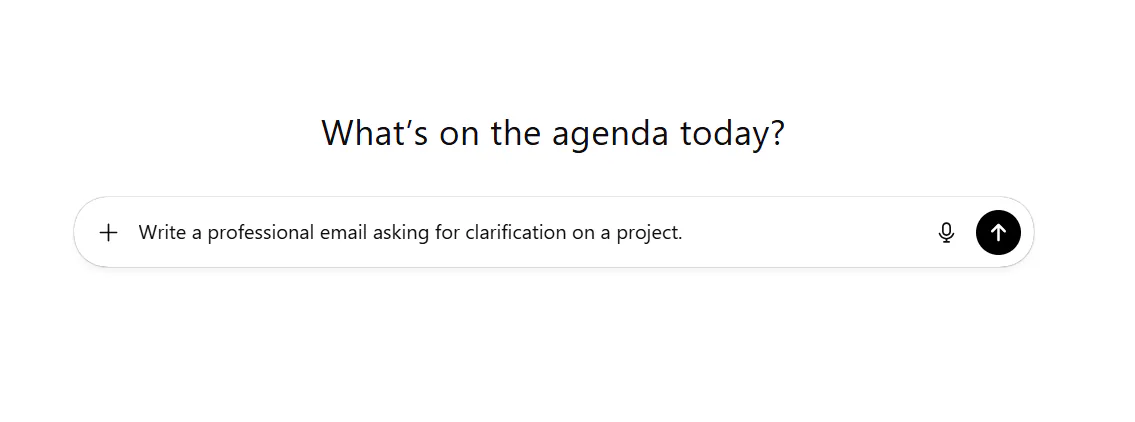
ChatGPT is a generative AI and remains one of the most flexible and user-friendly AI writing tools available today. While the premium versions include advanced models, the free version still offers strong performance for day-to-day writing and ideation. Moreover, because its interface is clean and intuitive, beginners can start producing quality content almost immediately.
Key Strengths
- Versatile writing support: Handles tasks ranging from blog outlines to social captions, emails and product descriptions.
- Strong rewriting ability: Useful for refining rough drafts or simplifying complex text.
- Fast ideation: Excellent for brainstorming headlines, article angles, and campaign ideas.
What Makes It Useful
The free version feels like a dependable assistant who can help you break through writer’s block. For example, if you’re drafting an article introduction but can’t quite find the right hook, you can provide a single sentence and ask ChatGPT to explore five different angles. This makes it particularly helpful for teams that need to create consistent content but don’t always have time for lengthy ideation.
2. Google Gemini Free
Google Gemini stands out because it integrates seamlessly with the Google ecosystem, making it a natural fit for users already working within Google Docs or Gmail. As a result, the writing experience feels intuitive and fluid, especially when you need quick assistance inside your existing workflow.
Key Strengths
- Integrated with Google Workspace: Provides direct suggestions in Google Docs.
- Excellent summarisation: Ideal for condensing complex research or lengthy reports.
- Data-aware assistance: Taps into Google Search understanding for improved context.
What Makes It Useful
Because Gemini excels at digesting large amounts of text, it’s particularly valuable for research-driven content. For instance, if you upload a lengthy briefing document and ask Gemini for a concise, easy-to-understand summary, it will produce a clear breakdown that helps you identify what to prioritise. This makes it useful for content strategists who need fast insights before writing.
3. Microsoft Copilot Free
Microsoft Copilot takes a structured approach to writing, which makes it especially powerful for business communication. Whether you’re drafting proposals, creating meeting notes, or rewriting web copy, Copilot tends to deliver clean, organised output.
Key Strengths
- Strong formatting capabilities: Easily produces outlines, tables and structured content.
- Tone refinement: Adapts content to sound more friendly, formal, concise or descriptive.
- Multi-platform accessibility: Available through web, Windows 11 and the Edge sidebar.
What Makes It Useful
Where Copilot truly shines is in turning scattered ideas into formal, professional writing. For example, you can give it a bullet-point list of key messages for a slide deck, and it can convert them into polished paragraphs. This makes it highly practical for marketers and executives who often need quick, quality written communication.
4. Notion AI Free Tier
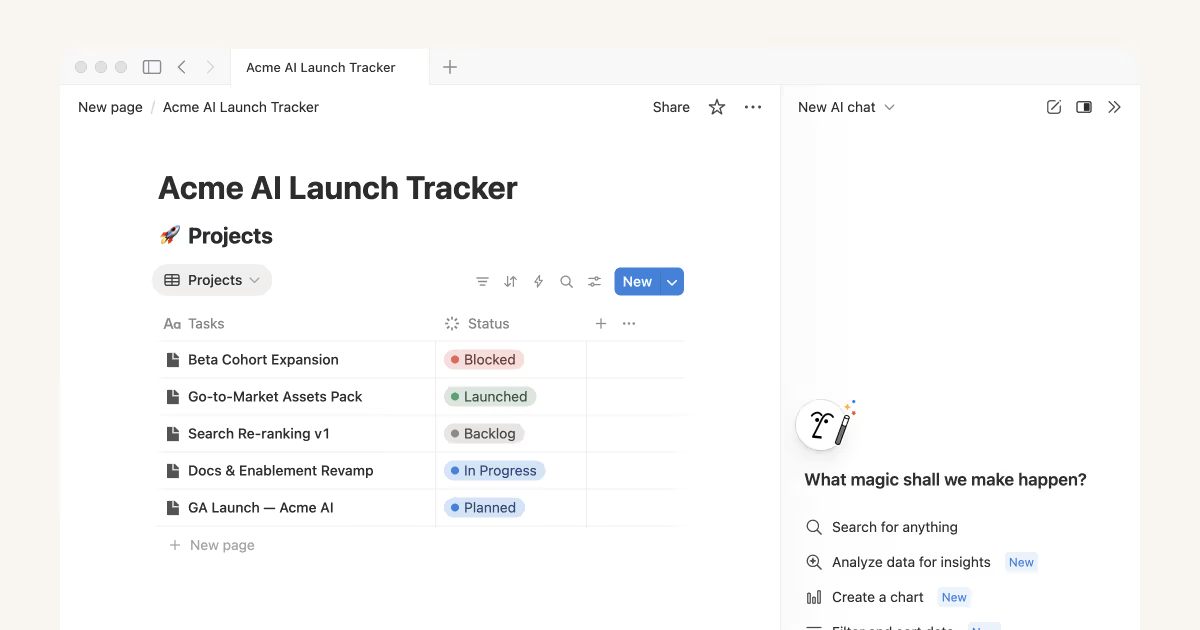
Although Notion AI’s free tier has limitations, it still offers enough functionality to meaningfully improve your content workflow. Because it’s embedded directly within Notion, it allows you to plan, draft and refine content without moving between tools.
Key Strengths
- Improves existing text: You can highlight any sentence and request improvements instantly.
- Helps with brainstorming: Offers topic ideas, outlines and content suggestions.
- Convenient for planning: Allows you to combine task management and writing in one space.
What Makes It Useful
Notion AI is ideal for teams building content calendars or planning campaigns. For instance, you can create a list of future blog topics and then ask Notion AI to generate short summaries or angles for each. This keeps your content planning structured and efficient, making it easier to delegate work across your team.
5. Claude Free (Anthropic)
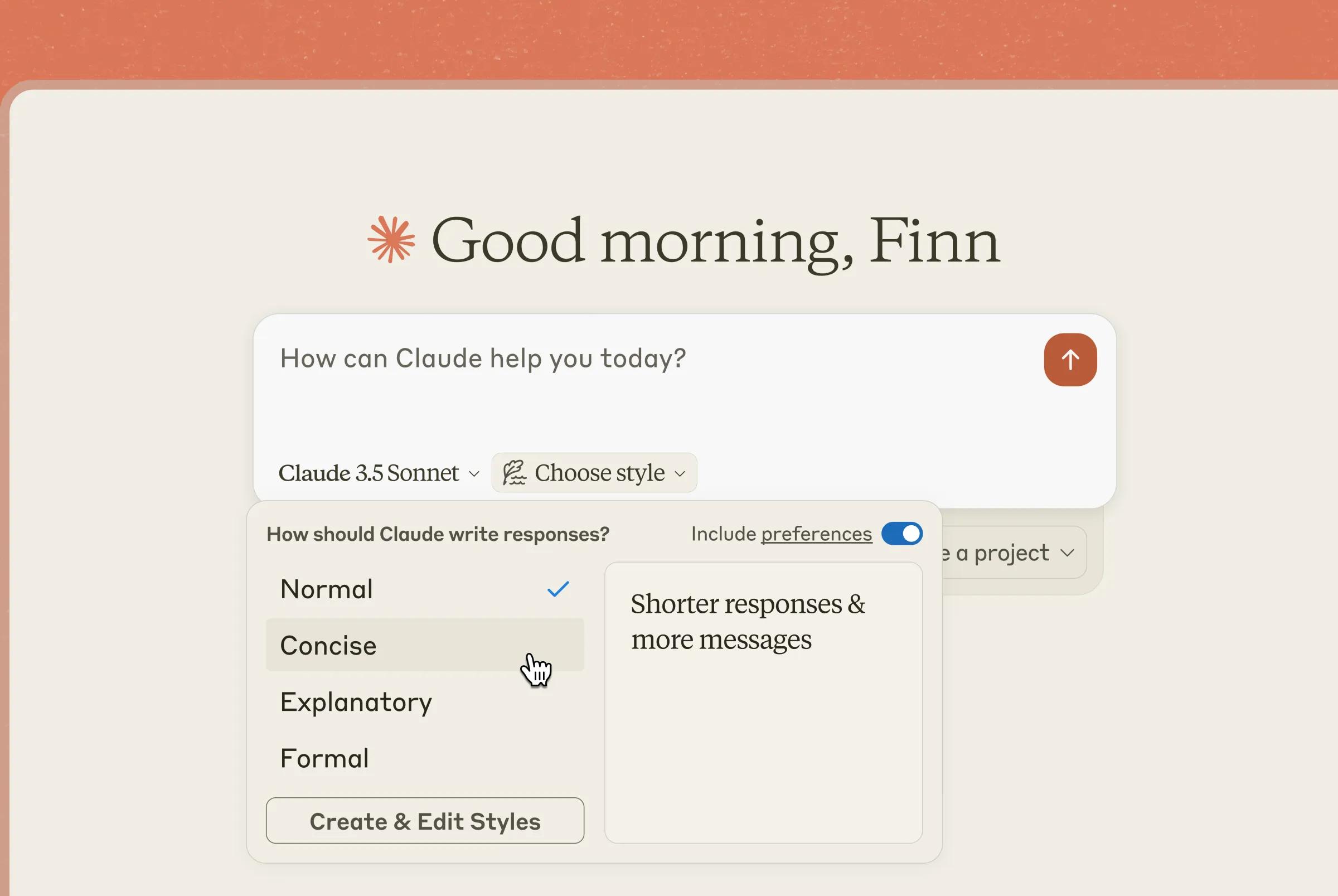
Claude is widely praised for producing thoughtful, natural-sounding writing. Its free version retains much of this quality, making it a favourite for long-form content and editorial-style work that demands a more human tone.
Key Strengths
- High-quality writing: Produces clean, elegant and natural prose.
- Excelled refining long content: Particularly good for editing entire articles.
- Great for conceptual tasks: Tone guides, brand messaging, strategy frameworks.
What Makes It Useful
Claude is especially helpful when you need writing to feel polished and cohesive. For example, if you upload a 2,000-word draft that feels disjointed, Claude can suggest a smoother narrative flow, strengthen transitions and improve overall readability. This makes it a strong companion for writers who value voice and clarity.
6. Perplexity AI Free
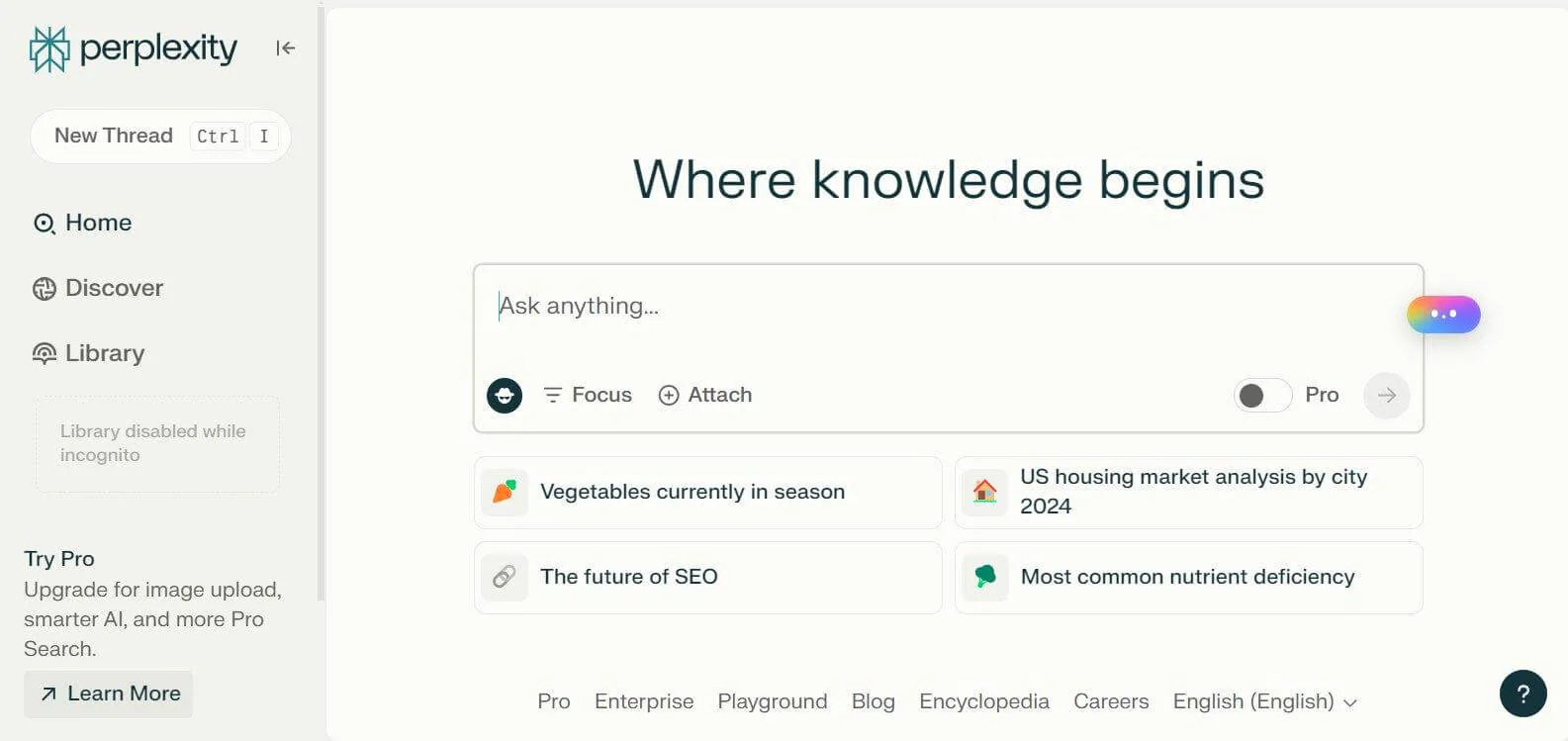
Perplexity is more research tool than writing assistant, but when paired with your writing workflow, it becomes incredibly powerful. With citation-based outputs, it helps you produce content grounded in credible information.
Key Strengths
- Real-time facts: Offers verified information with sources.
- Great for SEO research: Competitor insights, trend analysis, industry overviews.
- Supports complex queries: Can process multi-layered research questions.
What Makes It Useful
Perplexity is ideal for writers who want content that’s informed and up-to-date. For instance, if you’re writing an SEO-focused blog about market trends, you can ask Perplexity to gather insights from multiple sources and provide a summarised perspective. This gives you reliable information to build from, reducing fact-checking time and improving content authority.
7. QuillBot Free
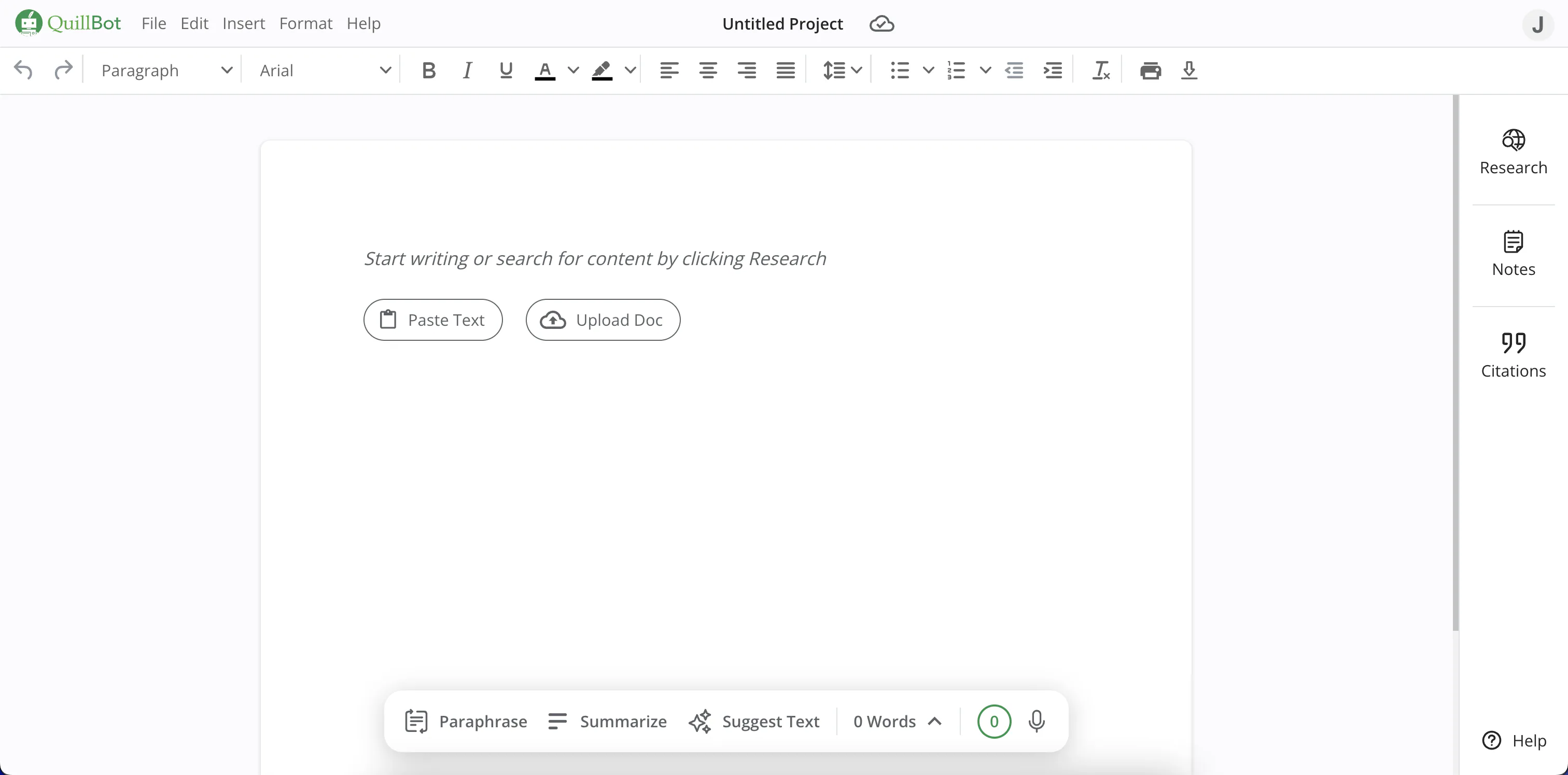
QuillBot is one of the most reliable free tools for rewriting and rephrasing. Its focus is on helping you refine and restructure text without losing the original meaning.
Key Strengths
- Clear paraphrasing: Maintains meaning while improving clarity.
- Grammar correction: Helps clean up awkward phrasing or errors.
- Useful tone adjustment: Simplifies or formalises text when needed.
What Makes It Useful
QuillBot shines when you already have content but want it to sound smoother or more concise. For example, marketers often use it to rewrite product descriptions into multiple versions. This ensures the tone remains consistent across different platforms without requiring hours of manual editing.
8. Copy.ai Free Plan
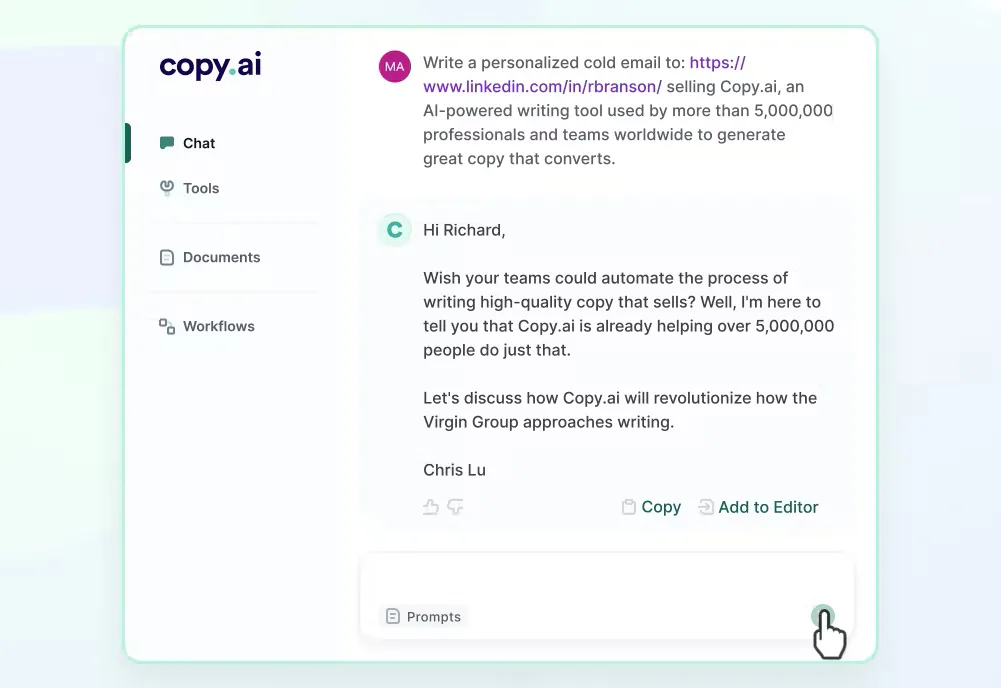
Copy.ai focuses on short-form marketing content, making it perfect for teams creating social media posts, ads, or landing page copy. Its template-driven workflow simplifies the writing process significantly.
Key Strengths
- Large template library: From ad copy to blog introductions and outreach emails.
- Fast variations: Generates multiple options in seconds.
- Beginner-friendly: Minimal learning curve.
What Makes It Useful
If your goal is to scale marketing content quickly, Copy.ai provides a strong starting point. For example, if you’re launching a new service and need 10 email subject lines, you can generate them instantly and refine the best ones. This accelerates campaign planning and frees your team to focus on strategy instead of drafting.
9. Rytr Free Version
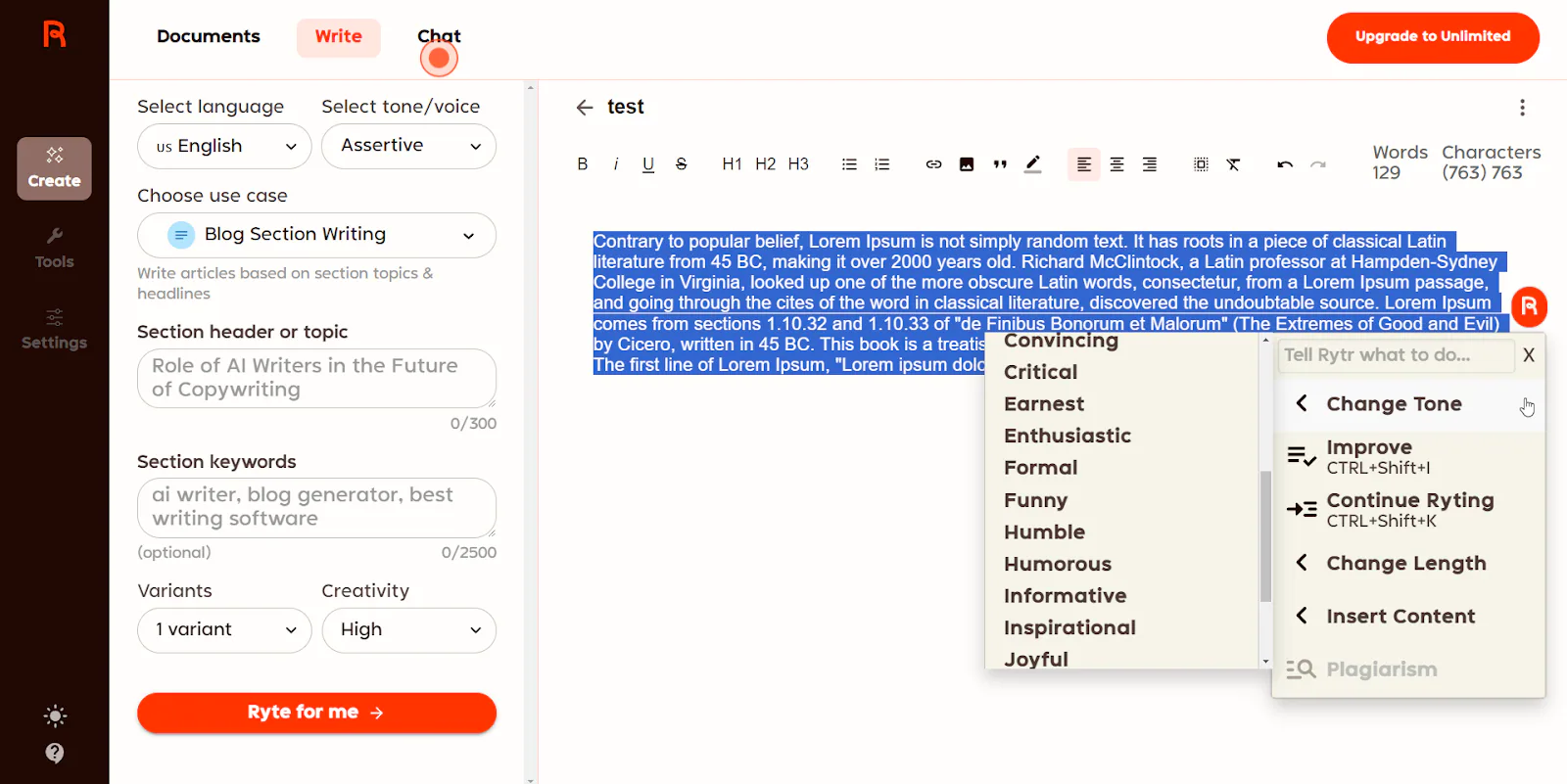
Rytr is designed for efficiency, enabling users to create short- and mid-length content with very little friction. Its character limits encourage concise communication, which can be beneficial when working on simple everyday tasks.
Key Strengths
- Easy to use templates: Case studies, bios, captions, product descriptions.
- Fast generation: Good for quick turnaround tasks.
- Multiple tone options: Friendly, urgent, confident, casual, and more.
What Makes It Useful
Rytr is particularly effective when you need multiple versions of something quickly. For example, if you need several professional bio variations for team member pages, Rytr can generate clear, structured options that require minimal editing. This helps streamline tasks that might otherwise take longer than they should.
10. HyperWrite Free
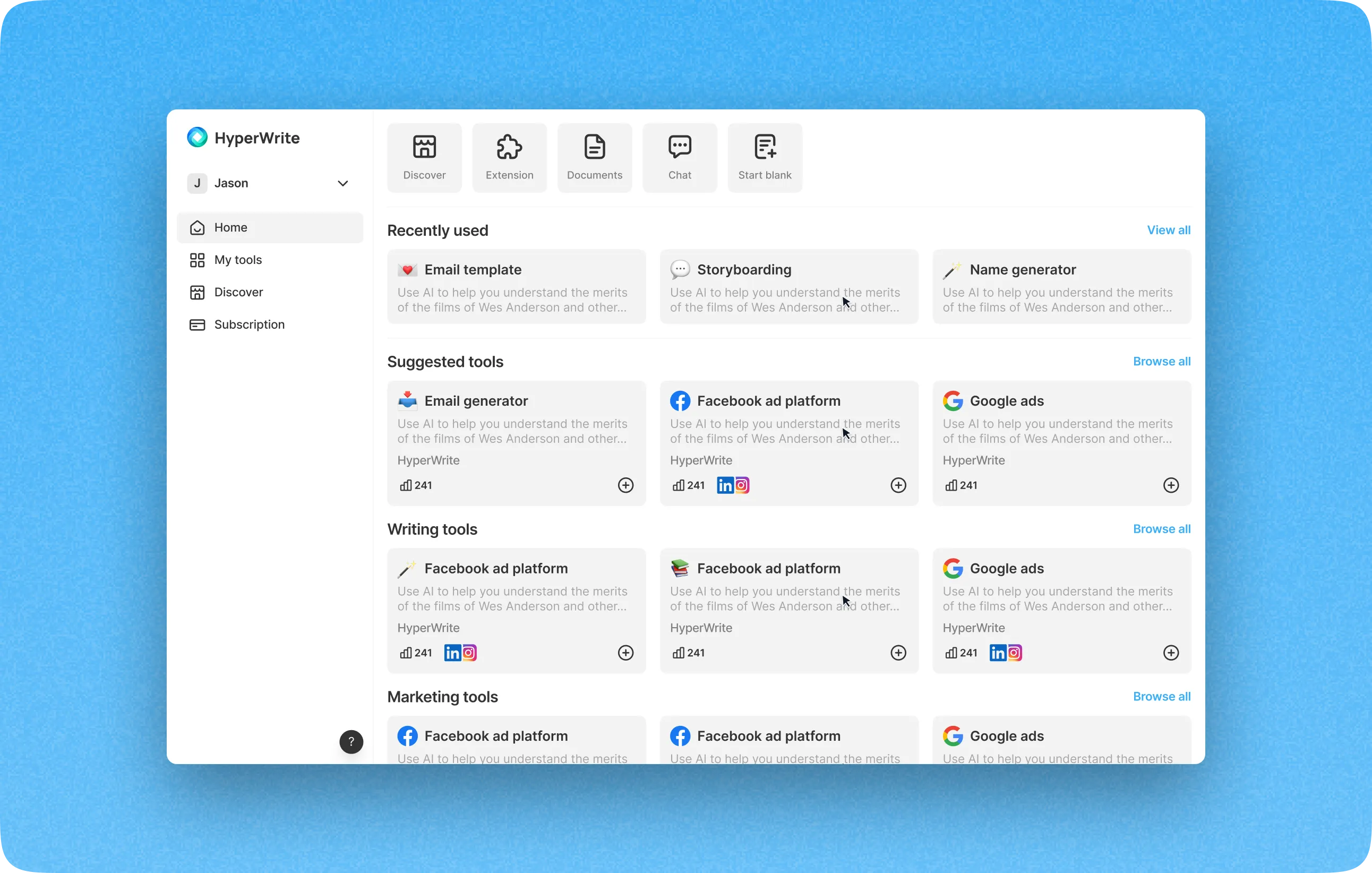
HyperWrite adopts an “autocomplete” style of writing assistance, which makes it feel more collaborative than traditional prompt-based tools. Instead of replacing your writing, it guides and enhances it.
Key Strengths
- Predictive writing support: Suggests sentences as you type.
- Browser-friendly: Works directly in your browser environment.
- Great for long-form writing: Helps maintain continuity and flow.
What Makes It Useful
HyperWrite is ideal for writers who enjoy crafting content manually but occasionally need help filling gaps. For instance, if you’re writing an article and you’re stuck on how to transition between sections, HyperWrite can suggest natural continuation options. This creates a smoother writing experience without taking full control away from you.
Choosing the Right Tools for Your Workflow
Because each tool excels in different areas, the best approach is to mix and match based on your content needs. For instance:
- If you need research accuracy, Perplexity and Gemini are strong choices.
- If you want natural long-form writing, Claude and ChatGPT perform exceptionally well.
- For marketing teams, Copy.ai and Rytr offer fast-template-based productivity.
- For editing, QuillBot and Notion AI simplify the polishing phase.
At Saigon Digital, we often combine these tools to support content ideation, research, writing and optimisation.
Tips for Maximising Free AI Tools
To get the most from these tools, consider integrating them into your content process:
1. Provide Detailed Context
AI tools perform far better when they understand precisely what you want. Therefore, the more context you provide, such as your audience, tone, purpose, structure and desired outcomes, the more accurate and relevant the result will be. Instead of giving short prompts like “Write an article about SEO,” you can guide the AI more effectively by specifying elements such as:
- Audience: “Small business owners in the UK”
- Tone: “Friendly, confident and easy to read”
- Format: “Long-form blog with headings and examples”
- Goal: “Educate readers about why SEO is important”
For example, rather than saying “Write a product description,” you could say “Write a 120-word product description for a handmade ceramic mug, written in a warm and artisanal tone, focusing on texture, craftsmanship and sustainability.” With this clarity, the AI can craft output that aligns more closely with your intentions.

2. Iterate With Prompts
Your first AI output should rarely be your final draft. Instead, think of the process as a series of iterations where each response becomes the foundation for refining the next. After the initial output, you can request specific improvements such as:
- “Make this more concise.”
- “Rewrite this for a younger audience.”
- “Add a stronger introduction and clearer transitions.”
- “Provide three alternative versions of this paragraph.”
By iterating this way, you gradually guide the AI toward the style and quality you need. For example, if you ask for a blog introduction and it sounds too generic, you can say, “Rewrite this to include a more compelling hook and mention a real-world scenario.” Each iteration sharpens the content, making the final version more polished and targeted.
3. Keep Your Brand Voice Central
While AI tools are powerful, they should never dictate your brand’s voice. Instead, they should support it. Your brand voice must remain consistent across all platforms. This is where your human oversight becomes essential. To ensure your brand personality is preserved, provide AI tools with:
- Brand tone descriptions (“friendly but authoritative”)
- Examples of past content
- Words or phrases to include or avoid
For instance, if your brand uses conversational English with occasional humour, you can remind the AI: “Maintain a conversational, approachable tone with light humour, but avoid exaggeration.” This ensures the output aligns with your existing style rather than sounding like generic AI-generated text. As a result, your content feels cohesive and recognisable, no matter which AI tool you’re using.

4. Validate Every Fact
Although AI tools are impressive, they can still generate inaccurate or outdated information. Therefore, it’s essential to fact-check any statistics, claims or data they produce. This is particularly important for SEO content, technical writing, legal topics, or anything involving health or finance. To ensure accuracy, you can:
- Cross-check facts using reputable sources
- Ask tools like Perplexity to provide citations
- Verify statistics with industry reports
- Confirm dates, percentages or research findings
For example, if the AI claims that “Instagram has over 2.5 billion users,” it’s worth validating this with recent data before including it in your article. Fact-checking not only protects your brand’s credibility but also ensures your readers receive trustworthy information, which is essential for building authority in your niche.
5. Refine Manually
Finally, even with quality AI output, your content still benefits from human refinement. Manual editing ensures your writing feels authentic, emotionally intelligent and genuinely aligned with your brand ethos. As part of your editing process, consider checking for:
- Flow and transitions
- Accuracy and clarity
- Tone consistency
- Brand-specific vocabulary
- Sensory or emotional depth
For instance, after generating a blog draft using AI, you might enhance it by adding personal anecdotes, regional examples or insights drawn from real experiences with clients.
These human touches bring warmth and credibility that AI cannot replicate. Consequently, you end up with content that is both efficient to produce and truly reflective of your brand’s identity.

Transform Your Writing Process with Smarter Tools
In today’s digital landscape, AI can dramatically enhance your writing process. The best part is that you can start using these free AI writing tools immediately, without needing to enter your credit card details or commit to a subscription.
At Saigon Digital, we believe technology should empower content creators, not overwhelm them.
Saigon Digital can help you turn these AI tools into real, measurable results by freeing up your time so you can focus on strategy, creativity and delivering genuine value to your audience.
If you’re ready to build an AI-assisted content or SEO strategy that actually moves the needle, our team is here to support you every step of the way.
Get in touch with us today!
Want to be the brand AI engines recommend?
We make businesses visible on Google and inside AI answers, measured in leads, not vanity metrics.